Admin console
The admin console is for the SaaS provider’s staff. It talks only to the control plane API, signed in to the control plane user pool. System admins can’t see tenants’ products, orders or users; the tenant API’s authorizer denies their role.
Live: saas-admin.haibui.click
Sign in
Section titled “Sign in”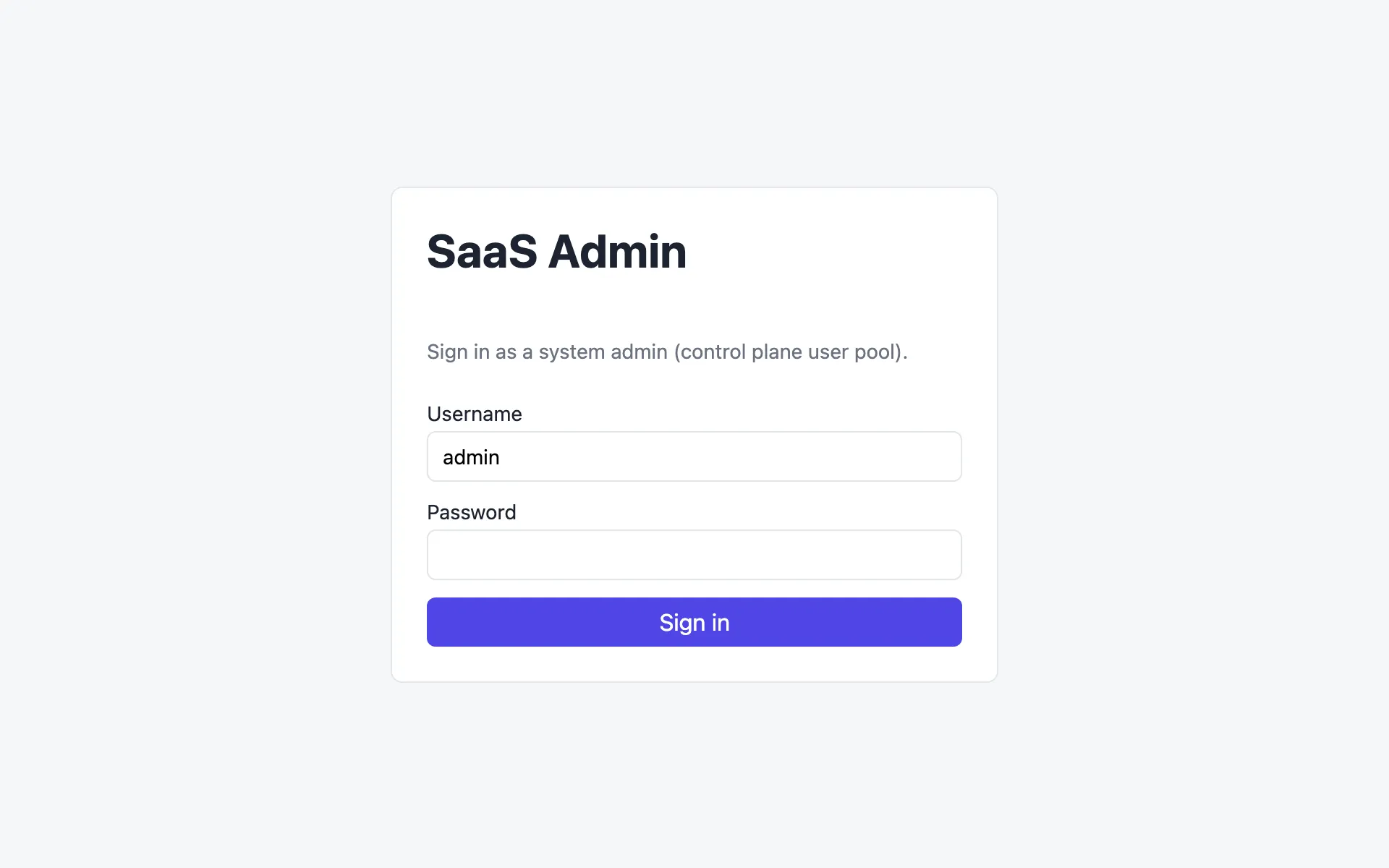
The username defaults to admin, the user created from the email passed to deploy.sh. Sign-in uses Cognito’s SRP flow through Amplify, so the password never leaves the browser.
An admin created from the console or by Cognito gets a temporary password by email. On first sign-in the form switches to New password and finishes the NEW_PASSWORD_REQUIRED challenge. To skip the email, set a password from the command line:
./scripts/admin-token.sh 'YourPassw0rd!' --set-passwordTenants
Section titled “Tenants”
Each row is an active tenant from GET /tenants:
| Column | Meaning |
|---|---|
| Name | The name tenant users type in the SaaS app. It must be unique. |
| Tier | BASIC, STANDARD or PREMIUM (pooled) or PLATINUM (silo). See Tiers. |
| Admin email | Where the tenant admin’s temporary password was sent |
| Status | In progress while the provisioning job runs, then Complete. The page refreshes every 10 seconds until every tenant is complete. |
| Tenant id | The id in every token claim, shard key, log line and metric for this tenant |
Onboard a tenant
Section titled “Onboard a tenant”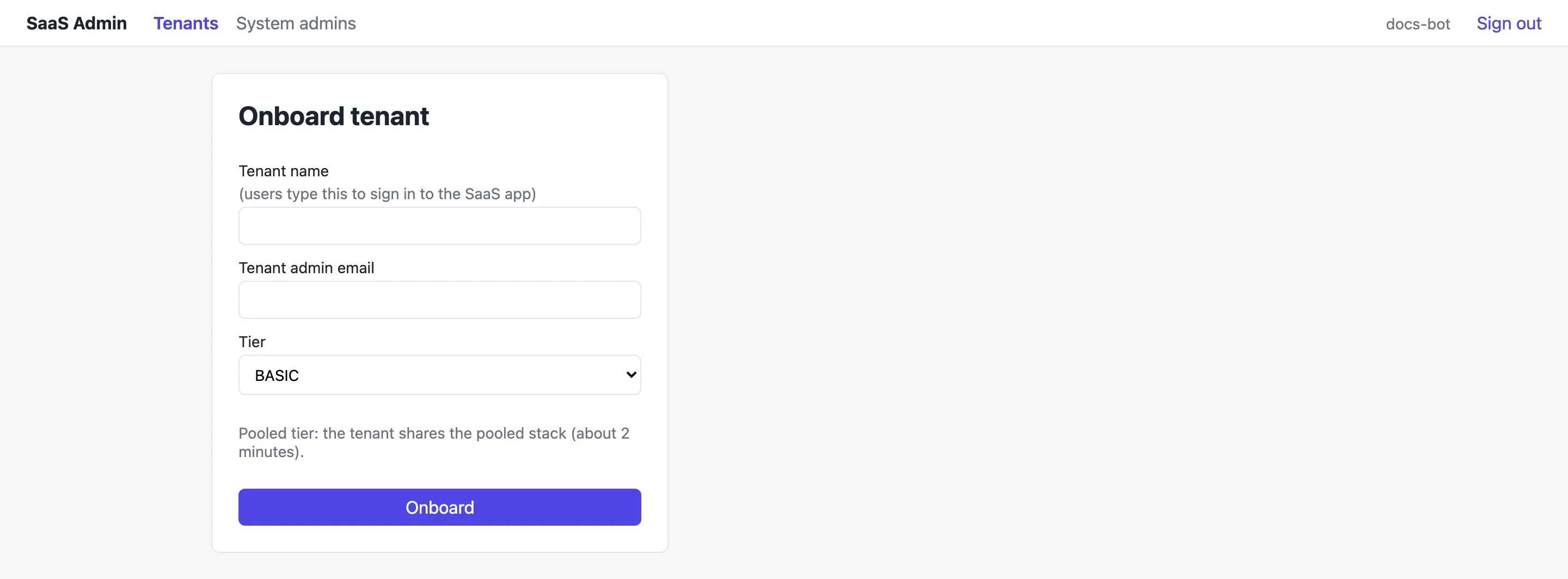
- Select Onboard tenant on the Tenants page.
- Enter a tenant name, such as
globex. The form only accepts lowercase letters, digits and hyphens, and the SaaS app lowercases what users type. - Enter the tenant admin’s email. Cognito sends their temporary password there.
- Pick a tier and select Onboard.
This sends POST /tenant-registrations, the control plane emits an onboardingRequest event, and the provisioning job does the rest. See Onboarding. A pooled tenant shows Complete after about 2 minutes, and a Platinum tenant after about 8, because a new stack is deployed.
The same thing from the command line, which waits for the job to finish:
ADMIN_PASSWORD='YourPassw0rd!' ./scripts/onboard-tenant.sh globex admin@globex.example PREMIUMOffboard a tenant
Section titled “Offboard a tenant”Select Offboard on the tenant’s row and confirm. This sends DELETE /tenant-registrations/{id}, and the deprovisioning job deletes the tenant’s users, group and data, or the whole stack for a Platinum tenant. The tenant then disappears from the list.
System admins
Section titled “System admins”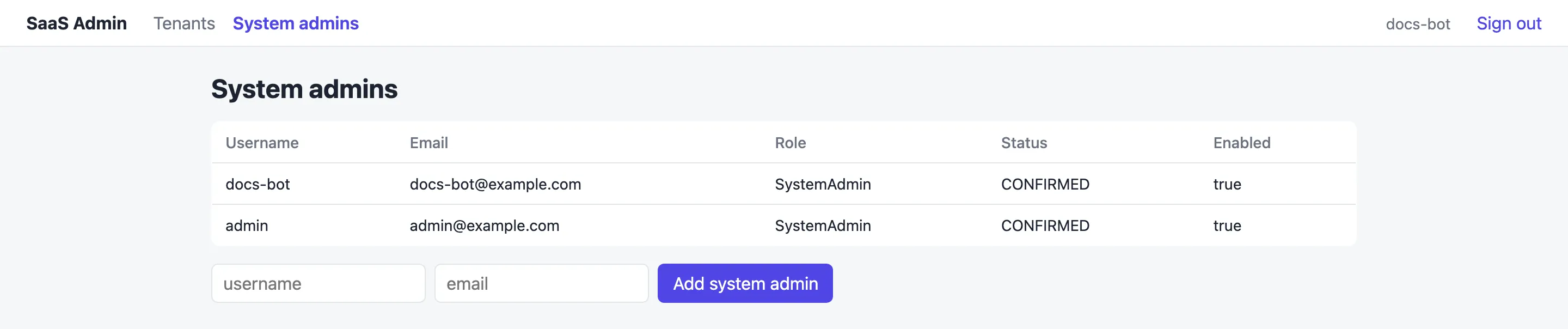
Lists the control plane pool’s users (GET /users). Add system admin creates another admin (POST /users with userRole: SystemAdmin). Cognito emails them a temporary password.