SaaS app
The SaaS app is the product that tenants’ users work in. One deployed app serves every tenant, pooled or silo: it finds out which user pool and API to use when the user types their tenant name.
Live: saas.haibui.click
Choose a tenant
Section titled “Choose a tenant”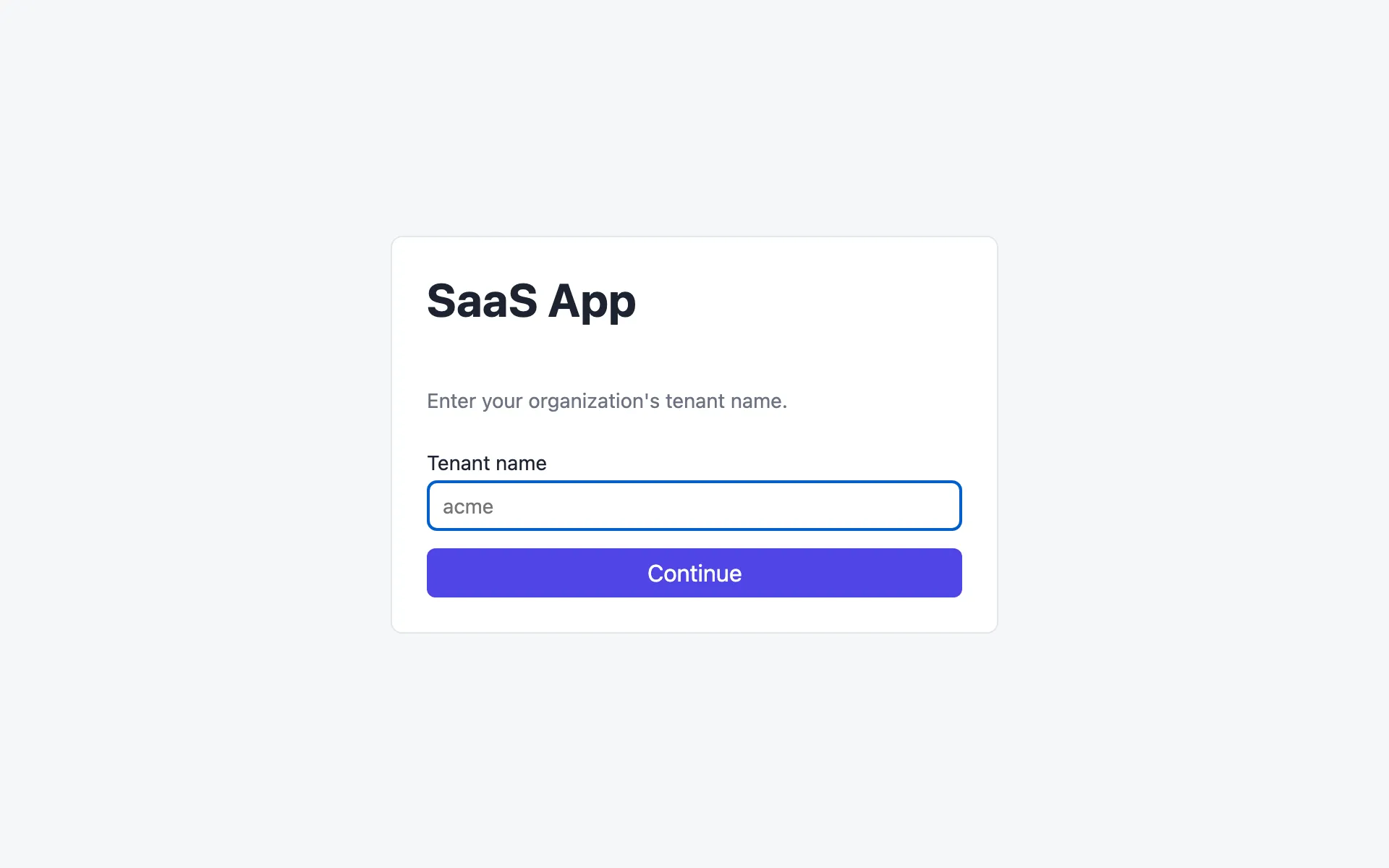
The user types their organization’s tenant name, for example acme. The app calls the control plane’s public GET /tenant-config/acme and gets back:
{ "userPoolId": "us-east-1_a1M1hAn8y", "appClientId": "q33c…", "apiGatewayUrl": "https://0xlsgzuyxh.execute-api.us-east-1.amazonaws.com/prod/" }For a Platinum tenant those are the silo stack’s own pool and API. The app configures Amplify for that pool and caches the config in localStorage, so the lookup only happens when a tenant is chosen. An unknown name shows Unknown tenant "<name>".

Then the user signs in with their username and password. A user created by onboarding or by a tenant admin has a temporary password and is asked to choose a new one. Use a different tenant goes back to the tenant screen.
Dashboard
Section titled “Dashboard”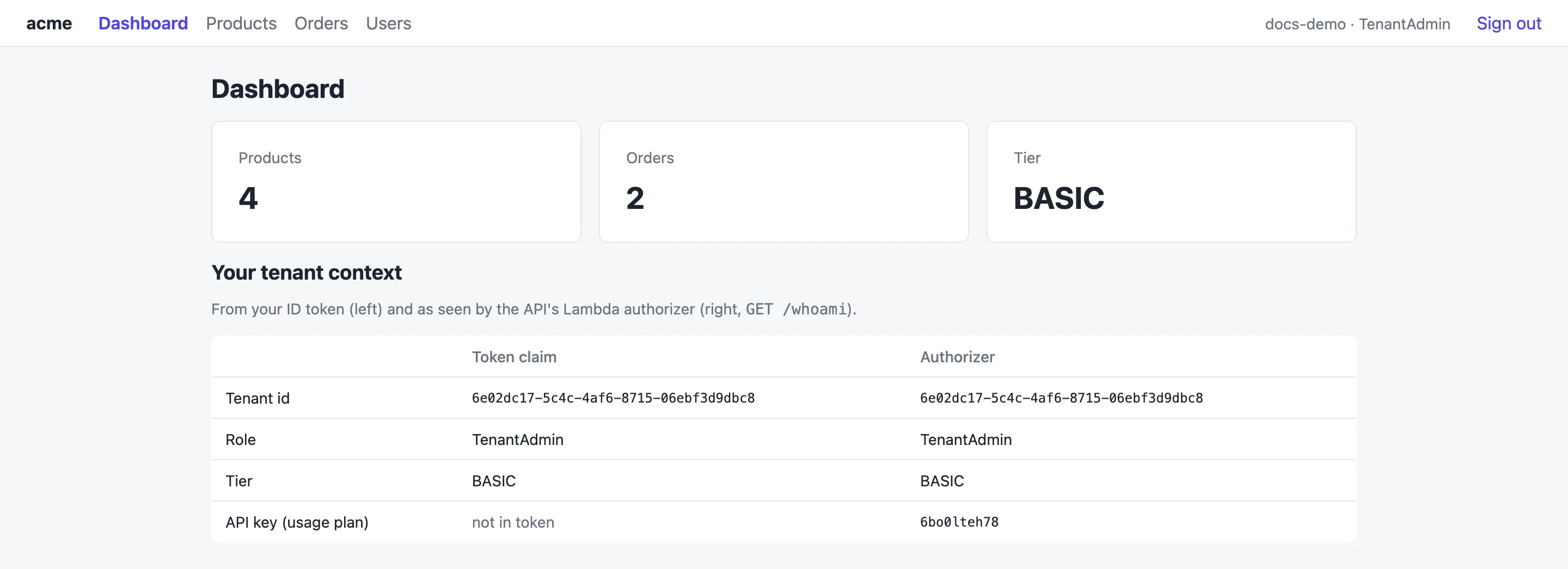
The tiles count the tenant’s products and orders and show its tier. The Your tenant context table is a window into the isolation model:
- Token claim: what’s in the user’s ID token (
custom:tenantId,custom:userRole,custom:tenantTier). - Authorizer: what the Lambda authorizer derived from that token, from
GET /whoami, including the API key of the tier’s usage plan. The key is never in the token or the browser’s requests.
If the two columns ever disagree, something is wrong. See Tenant identity.
Products
Section titled “Products”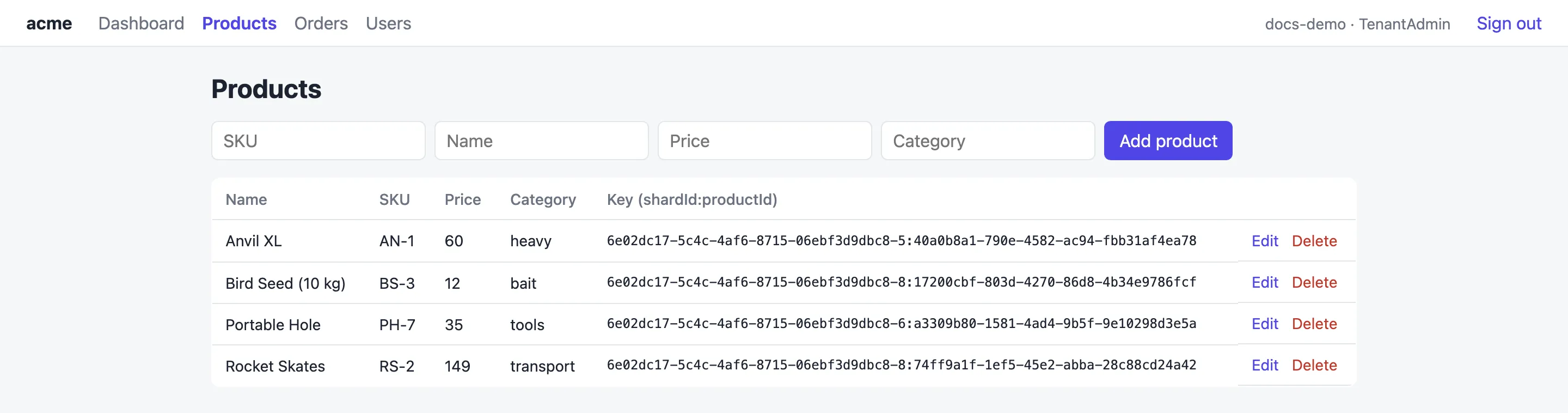
Add a product with the form, Edit a row to load it into the form, or Delete it. Every user of the tenant can manage products. The key behind each row, such as 6e02dc17-…-5:40a0b8a1-…, contains the tenant’s shard. That’s how the API checks ownership before touching DynamoDB.
Orders
Section titled “Orders”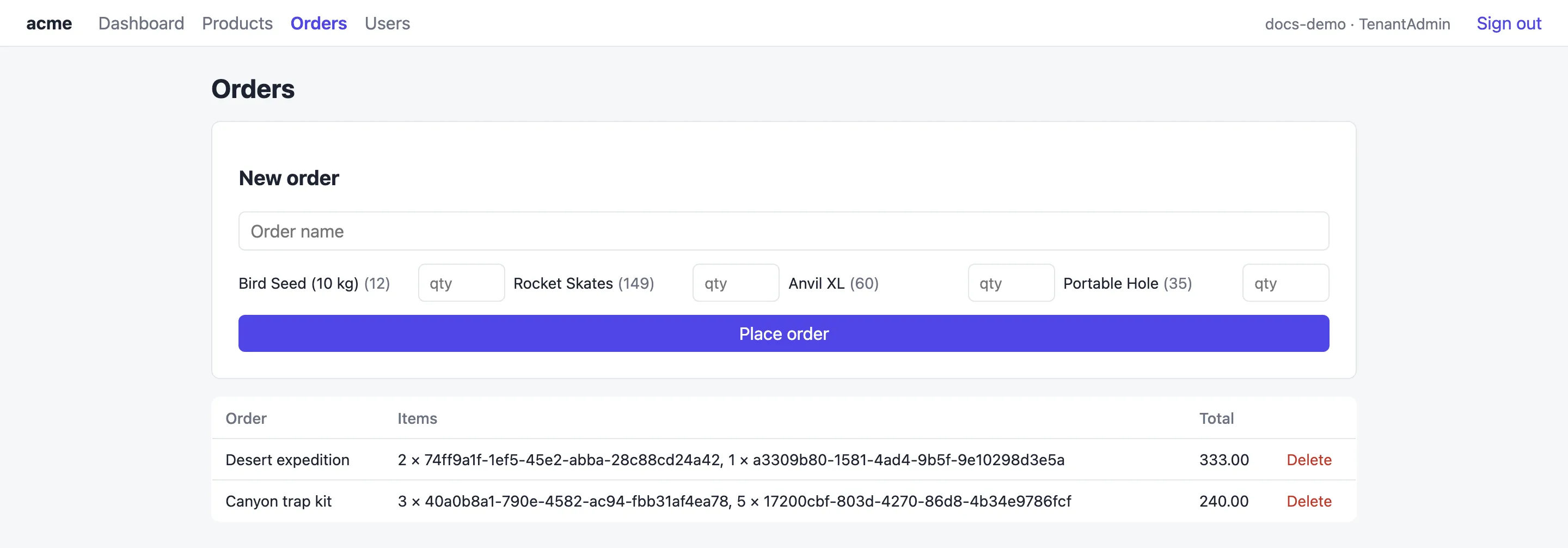
Name an order, set quantities for the products you want and select Place order. Each line stores the product’s id, price and quantity at the time of the order, so later price changes don’t rewrite old orders. The table lists each order’s items as quantity × product id, and the totals are computed in the browser from the stored prices.
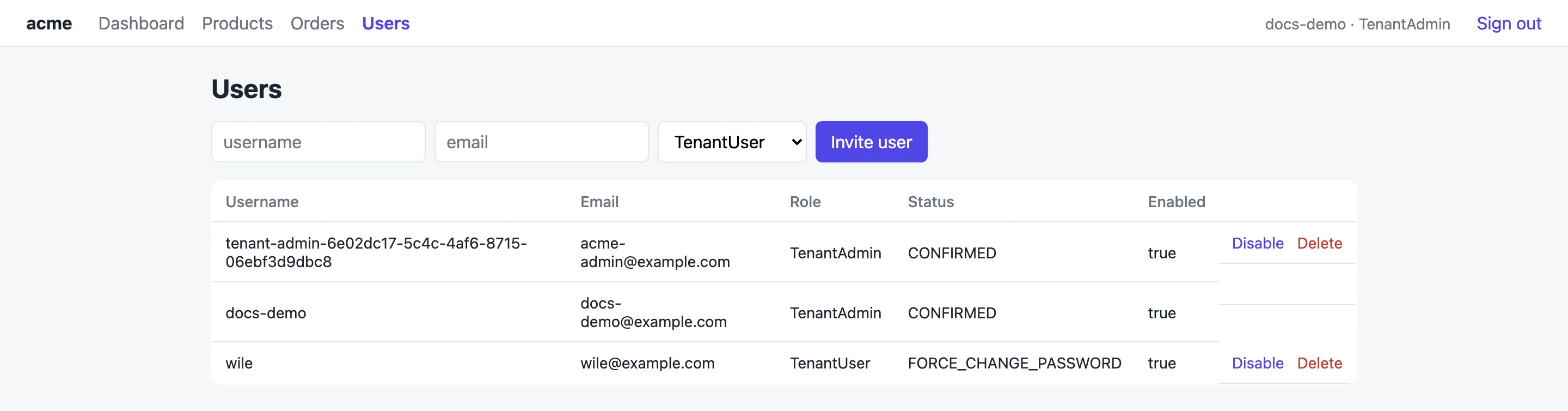
Every user can see the tenant’s user list. Only a TenantAdmin sees the invite form and the Disable, Enable and Delete actions:
- Invite user creates a Cognito user in the tenant’s group, with a temporary password sent by email. The new user’s tenant id and tier are inherited from the admin’s token.
- Disable blocks sign-in without deleting the user. Enable reverses it.
- Delete removes the user.
Limits
Section titled “Limits”Each tier has a request rate and daily quota (see Tiers). Over the limit, the API returns 429 and the app shows Too many requests for your tier (usage plan limit).